 COME
COMEIPL Basics: A Simple Scorecard Reading Order
Use a consistent reading order: identify the team, read runs and wickets, check overs, then read the match status. This makes a compact cricket score easier to interpret.
This section explains cricket information. The Android download guide is available separately if that is your next task.
Read the fields separately
A team score commonly joins runs and wickets, as in 162-6 or 164/8. Overs appear in a separate field. For example, 10.2 means ten completed overs and two valid balls, not a decimal fraction of an over.
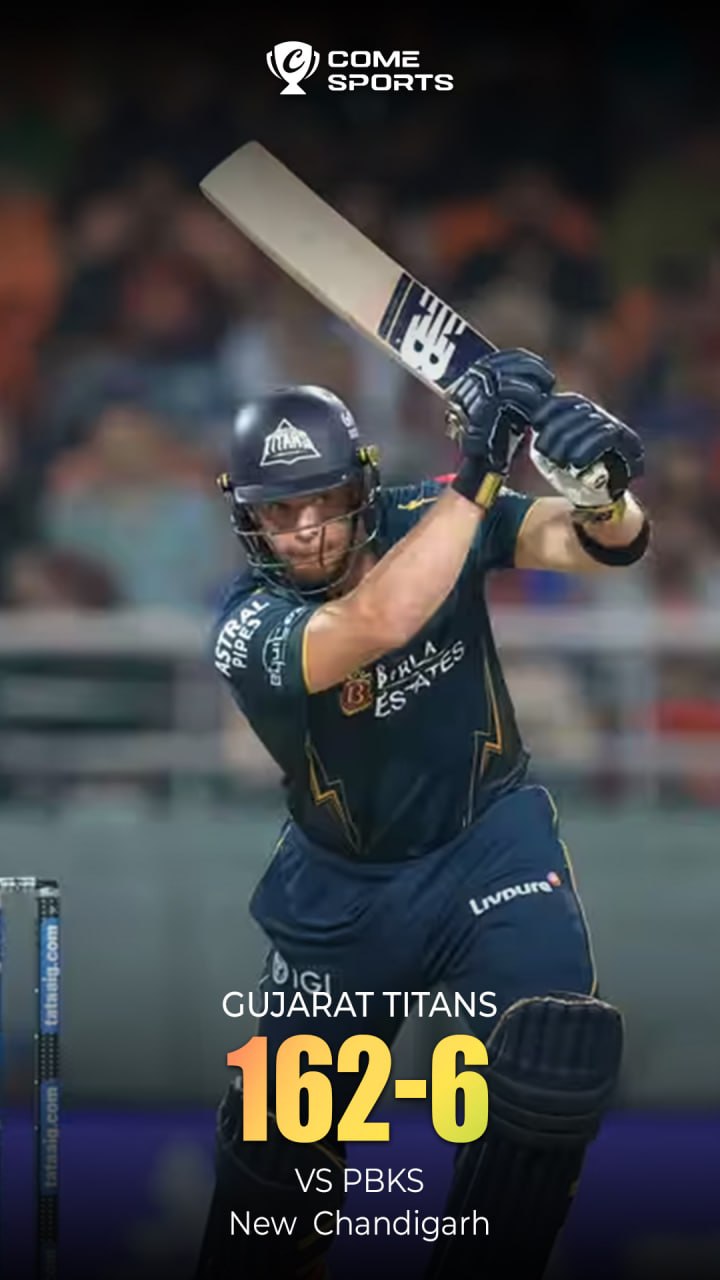
The archived graphic illustrates the notation. Consult the current match record for the actual score, target, innings and result.
Check the fixture before reading the result
- Confirm the season, teams and venue.
- Read the date and displayed time zone.
- Check whether the match is scheduled, in progress, interrupted or complete.
- Read the complete scorecard and final result when available.
Keep cricket information and app navigation separate
COME’s pictured interface has Sports and Fantasy labels. A menu label is a navigation clue; it does not describe every event currently available. Read the destination’s current features and conditions separately from the IPL fixture information.
Questions about a cricket image
Does a score poster show a live result?
An image records one view of a score. Use the organiser’s current match page for updates and the final result.
What is an over?
MCC Law 17 describes an over as six valid balls; wides and no-balls do not count as one of those six.
IPL Scorecard Basics: Team, Score and Overs
Continue to Android guidance
For file details and installation help, use the Download page.